Kill Busywork With Automation: A Playbook
Manav Bajaj · February 10, 2026 · 6 min read
What Busywork Actually Is
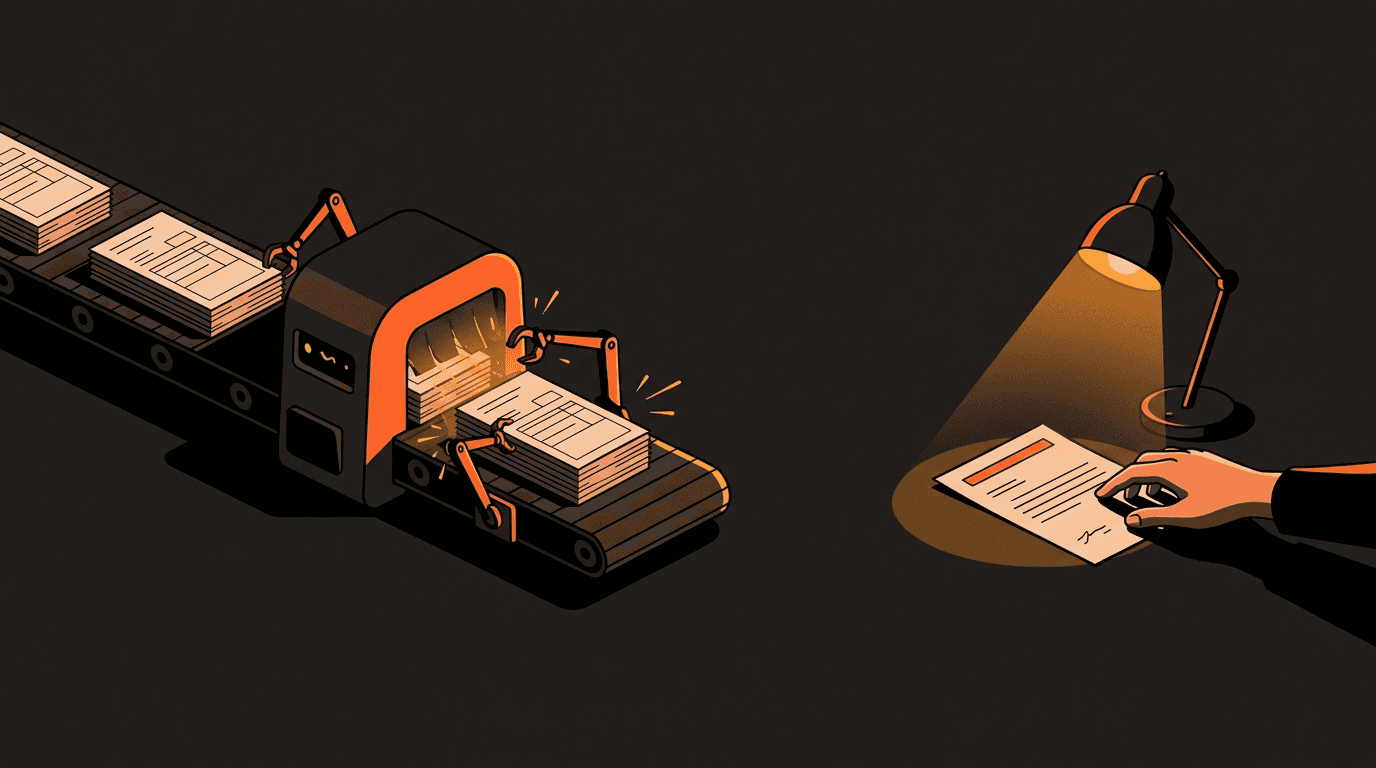
Busywork is any task that repeats on a pattern: compiling the Monday status update from three tools, retyping a client brief into your project tracker, chasing the same follow-up for the fourth time. Individually each one costs minutes. Together they routinely eat a quarter of a small team's week, and because the tasks are small, nobody ever schedules the fix.
The fix is a system, and building one is more method than technology. This is the method.
The Two-Question Filter
Before automating anything, score the task on two questions:
- How often does it happen? Daily beats weekly beats monthly.
- How predictable are its inputs and outputs? A task that always starts with the same kind of data and ends with the same kind of result is automatable. A task that needs a judgment call in the middle is only half automatable, and that is fine — automate the half.
High frequency plus high structure goes first. Everything else waits. Teams that skip this filter end up automating whatever looked exciting that week, which is how you get an AI logo generator while invoices are still typed by hand.
What to Automate First, in Order
For a typical service business, the ranking almost always comes out like this:
1. Intake
Whatever arrives from outside — enquiries, briefs, orders, documents — gets parsed into a structured format automatically, with the ambiguous cases flagged for a person. Intake is first because every other process downstream inherits its mess.
2. Reporting
Status updates, weekly summaries, and dashboards should be generated from the tools where the work already lives. If a human is compiling a report, a human is doing a database query slowly.
3. Data movement
Any task described as "I copy it from A and paste it into B" is a finished specification for a piece of software. These are the easiest wins and the most error-prone tasks to leave manual.
4. Follow-ups
Reminders, nurture emails, and re-engagement sequences run on schedules by definition. Write them once, well, and let the schedule do the remembering.
What Never to Automate
- Replies to real people. A machine can draft; a person must read, edit, and send. An automated wrong answer to a customer costs more than a hundred slow right ones.
- Judgment about a specific brand or client. Software generates options. It cannot know which option is right for this business, and pretending otherwise produces generic work.
- Strategy. No pipeline replaces understanding why a business wins its customers.
The dividing line, stated once: automate the processing, not the thinking.
The Build Order That Works
- Write the process down first. You cannot automate a process that lives in someone's head in three different versions. Writing it down is where half the value appears, before any tool is chosen.
- Measure the baseline. Even roughly: how many hours, how many errors, how long from request to done. Without a before, you can never prove the after.
- Automate one stage, not the whole flow. Get one piece running reliably, watch it for a week, then extend. Every attempt to build the whole pipeline in one go collapses under its own edge cases.
- Put a human gate on anything a customer will ever see. You can loosen a gate later. You cannot un-send an email.
- Only then, expand.
The Three Traps
The last mile is brutally expensive
Getting a pipeline to work 80% of the time is quick. Reaching 95% takes about as long again, and chasing 99% can take longer than everything before it combined. Set the threshold per task: payroll needs 99%, a lead-tagging step is fine at 90% with flagged cases going to a person.
Undefined processes stall everything
The most common failure is not technical. It is discovering, one week in, that the team handles the task three different ways depending on who is doing it. The automation project becomes a standardization project, which is uncomfortable and worth it.
Unverified data poisons the pipeline
Automated collection makes it easy to gather impressive-looking data that is quietly wrong — a loose match here, a stale record there. Put a verification step in front of anything that gets used for decisions or sent to a customer. Data you have not verified is not data.
Where AI Changed the Playbook
The filter and the build order predate modern AI. What changed is the ceiling: tasks that used to fail the "predictable inputs" test — a brief arriving as a rambling voice note, an enquiry buried in a paragraph — can now be parsed into structure by a language model, then flow through the same pipeline as everything else. That moves intake, the most valuable stage, from "partially automatable" to "mostly automatable, with a human on the flagged cases."
What did not change: the model is a component, not a strategy. Every rule above still applies.
Want this playbook applied to your business? We design AI automation pipelines that displace real work, not just demos. Talk to us about your workflows →
FAQ
What should a small business automate first?
Intake — whatever arrives from outside, parsed into a structured format automatically. It scores highest on both frequency and structure, and every downstream process inherits its quality. Reporting and copy-paste data movement come next.
How do we know if a task is automatable?
Two questions: does it repeat often, and are its inputs and outputs predictable? If both answers are yes, it is automatable today. If it needs a judgment call in the middle, automate around the judgment and route that one decision to a person.
How much does workflow automation cost to run?
Usually far less than the labour it replaces. Much of the tooling is open source, and AI model costs at small-business volume are typically a few dollars a month. The real investment is the time spent defining the process clearly enough for a machine to run it.
Why do most automation projects fail?
Three reasons, in order: the process was never written down, the team tried to build everything at once instead of one stage at a time, and nobody measured the baseline, so the project could not prove its own value and lost support.
Should customer emails ever be fully automated?
Scheduled sequences that were written by a human once, yes. Live replies to a real person, no — a machine drafts, a person sends. The cost of one confidently wrong automated reply exceeds the savings of a thousand fast ones.
Manav Bajaj
Founder at Naavim Labs. Started coding at 16. Got tired of watching businesses burn money on tech that doesn't work - so now we build the systems that actually move the needle.
More about us →Liked this? Let's build it for you.
Let's Automate Your Business
We build AI automation pipelines that displace real work - not just demos.
We'll Email You When We Ship Something Worth Reading.
No spam. No “weekly roundups.” Just builds.
Next Article →
-
Ready to stop reading and start building?
Let's Automate Your Business
We build AI automation pipelines that displace real work - not just demos.
Or submit a project brief if you already know what you need.