For businesses that have outgrown spreadsheets and workarounds.
Software built around how your business works.
We build custom software, internal tools, dashboards and customer-facing apps around how your business already runs. That can mean replacing a tangle of spreadsheets, giving customers a portal for bookings and payments, or putting the numbers that matter on one screen. If an off-the-shelf tool does the job, we tell you, and build only what it cannot do.
Timeline
Set in your Consultation plan
Engagement
Consultation, then mapping, design, build and rollout
Investment
Set in your Consultation plan
Why Teams Come To Us
- Teams running core work on spreadsheets and messages
- Businesses whose customers need to book, order or pay online
- Owners who want their key numbers in one place
Outcomes We Usually Move
- Less copy-paste and manual tracking
- One place for the work and the numbers
- Software your team can run
Not For
- Teams that have not agreed how the work is done today
- Projects that only need an existing tool set up properly
- Ideas with no one inside the business to own the software after launch
Standards
How we build software
Process Before Code
We write down how the work happens today before deciding what to build.
Buy Before Build
If a tool you can buy does the job, you should buy it.
A Small First Release
Get something useful in front of your team early.
Your Data, Your Accounts
Nothing important should live in someone else's login.
Built to Be Handed Over
Software nobody can maintain becomes a problem.
Proof
What this looks like in practice
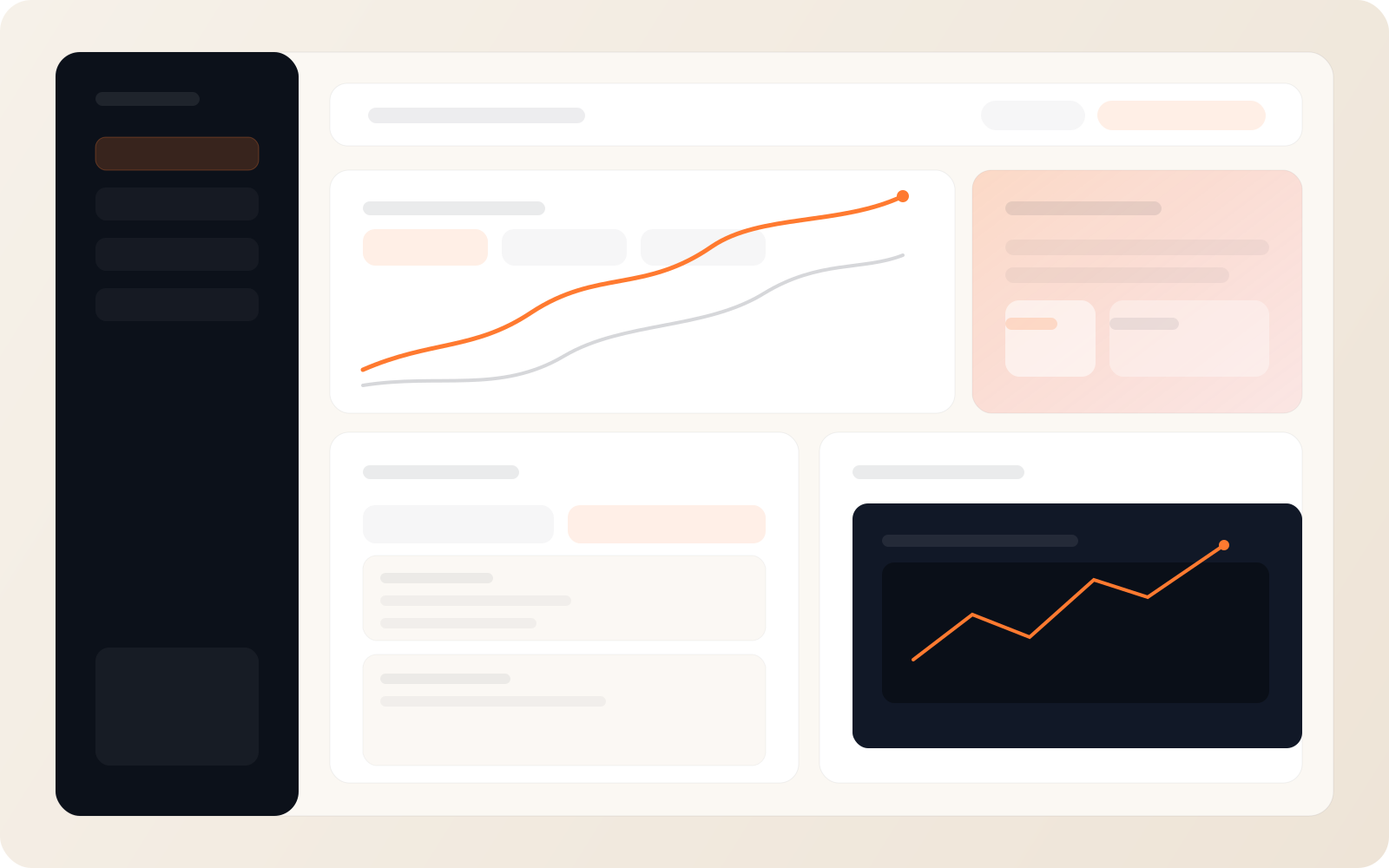
Dashboards for the numbers that matter
Figures pulled from the tools you already use, on one screen.
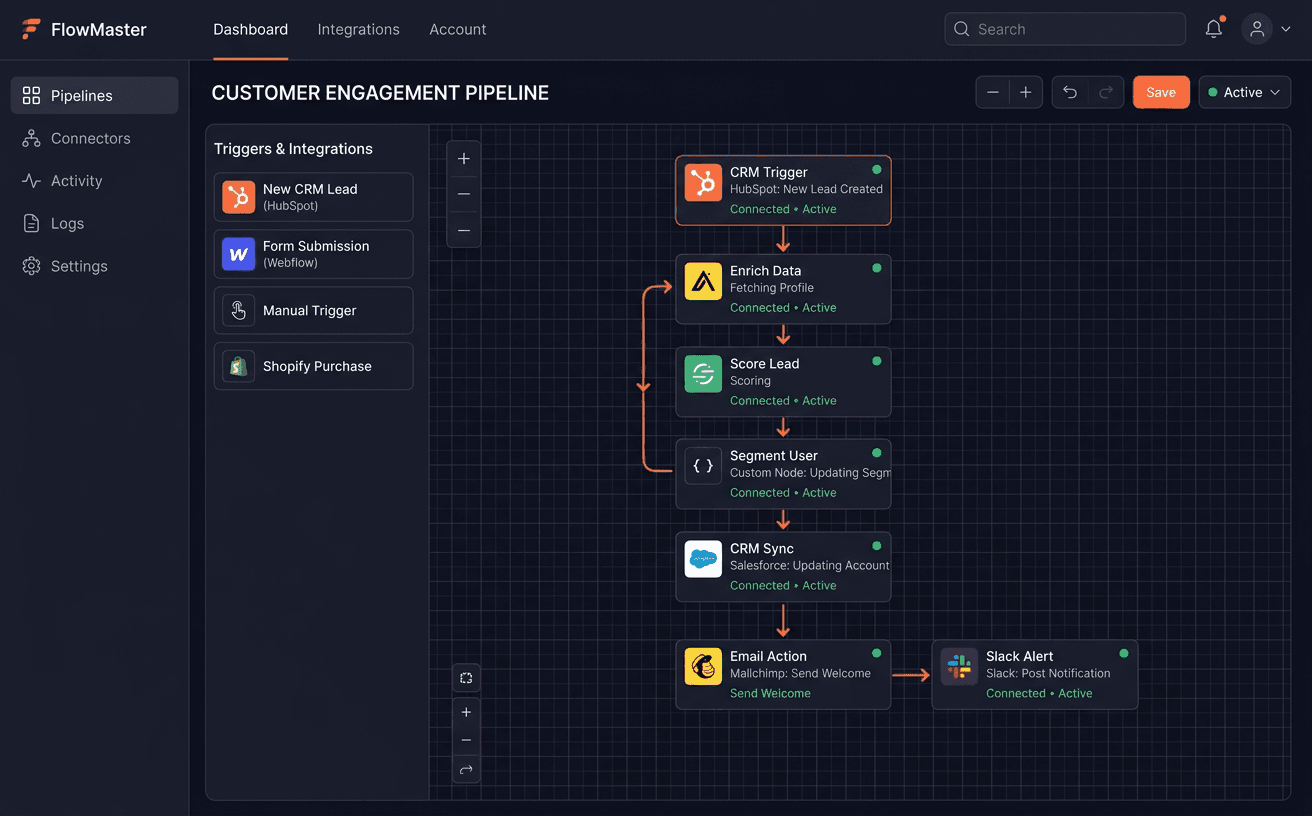
Tools that talk to each other
Your CRM, accounting and messaging connected, so data is entered once.
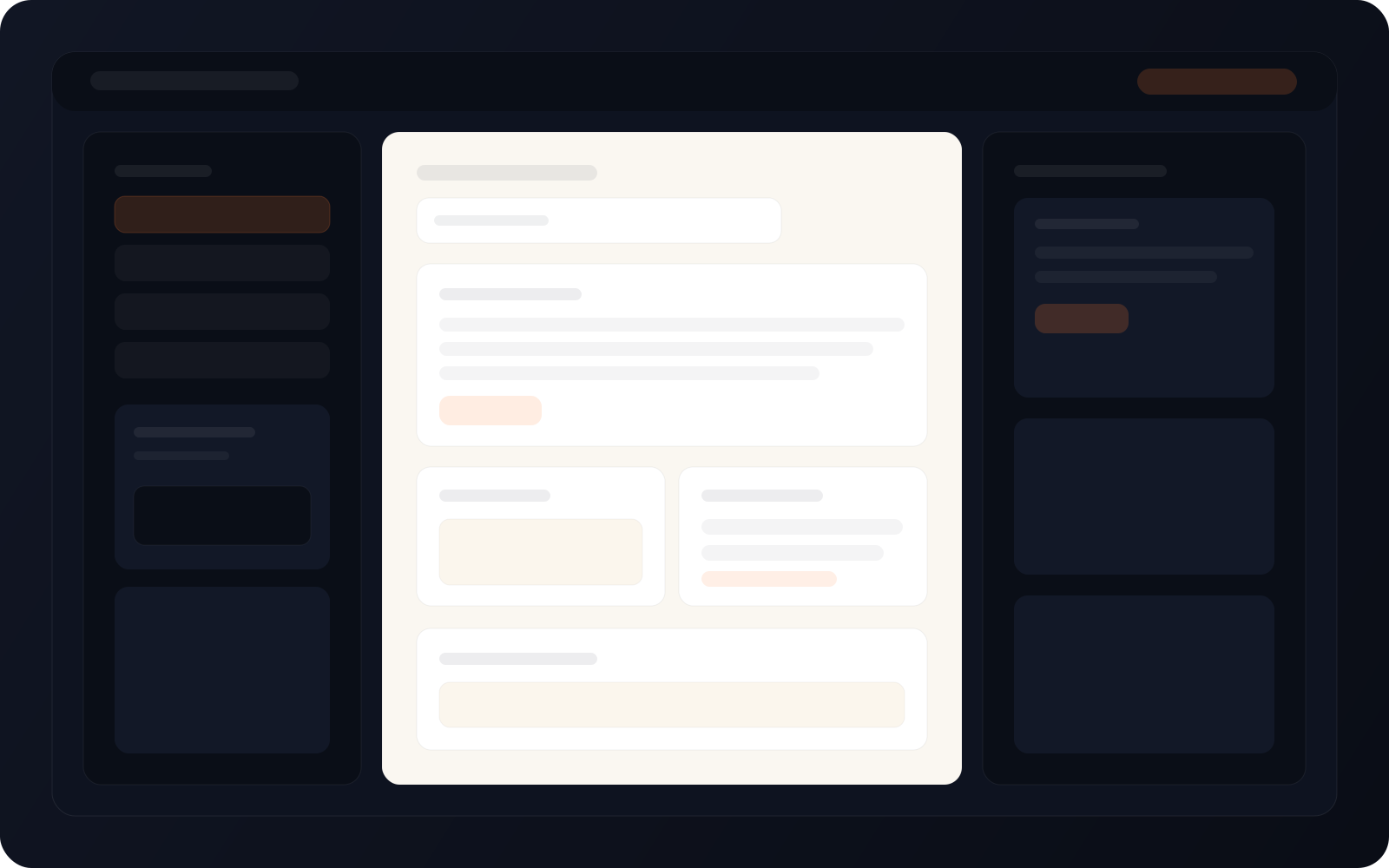
Admin screens your team can run
Clear screens for the daily work, with roles and permissions.
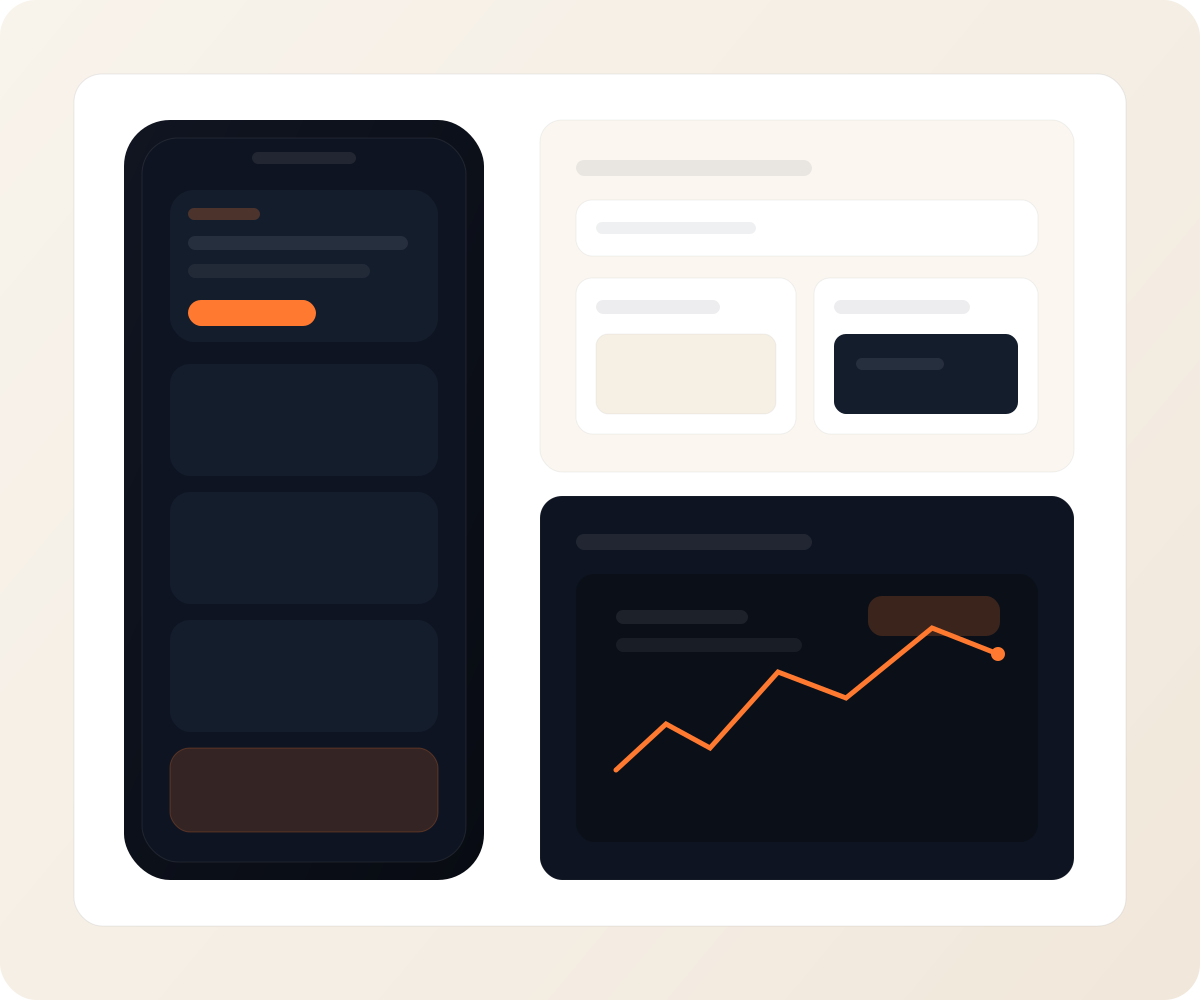
Customer apps on the phone
Booking, ordering and payment flows built for mobile first.
Not sure it needs custom software?
Many problems are solved by setting up a tool you already pay for. The Consultation tells you which ones are not.
How a software project runs
Map the Work
- Conversations with the people who do the work
- Each step, tool and handoff written down
- What to build, what to buy and what to leave as it is
Design the Screens
- Screens and flows for each type of user
- A clickable prototype checked with your team
- The data model and the connections to your other tools
Build the First Release
- Core workflow built and tested
- Roles, permissions and logging
- Connections to CRM, accounting, payment or messaging tools
Launch and Improve
- Rollout with your team, one group at a time
- Fixes and changes based on real use
- Documentation, handover and support options
Consultation
What we look at in your Consultation
Before anything is designed, we look at how the work actually happens today.
How you make money
Where customers come from
Where the team loses time
Tools you already use
Where your data lives
What to build and what to buy
You get a plan: what to build, what to skip, the build cost and the timeline.
Typical Build Stack
FAQ
Frequently asked questions
What kind of software do you build?
Internal tools, dashboards, customer portals and apps for businesses. Most projects replace spreadsheets and manual steps, or give customers an easier way to book, order or pay.
Should we buy a tool or build one?
Often buy. We check what exists first. We build when your process is specific enough that ready-made tools force workarounds, or when several tools need to work as one.
Can it connect to the tools we already use?
Usually, yes. CRM, accounting, payment, messaging and spreadsheet tools mostly have ways to connect. We check each one during the Consultation.
How much does custom software cost?
It depends on the number of screens, users and integrations. You get the build cost and the timeline in your plan after the Consultation, before anything is agreed.
Who owns the code and the data?
You do. The code, the database and every account sit in your name, with documentation at handover.
What happens after launch?
We fix what real use turns up and add features in agreed steps. Your team can also run it on its own with the documentation.
Process
What happens after you book
Every project starts the same way, and you decide at each step.
Step 1
Consultation
We go through how the business runs, where the team loses time and which tools you already use.
Step 2
Your plan
You get a plan: what to build, what to buy instead, the build cost and the timeline. If you don't need new software, we say so.
Step 3
Build
Once you agree the plan, we design and build the first release with your team, then add the rest in agreed steps.
Step 4
Grow
When the software is live, we can help bring in more customers through lead generation and marketing.
Start with a Consultation. We look at how the work happens today, then tell you what is worth building.
Snapshot
Engagement Snapshot
Timeline
Set in your Consultation plan
Engagement
Consultation, then mapping, design, build and rollout
Investment
Set in your Consultation plan
Handoff
Code, database, documentation and a walkthrough
Next step
Not sure this is what you need?
Book a Consultation. We look at your business first and tell you what to build and what to skip.
You get a plan: what to build, what to skip, the cost and the timeline.