For teams that spend hours on work that follows the same pattern every time.
AI assistants and automations that take repeatable work off your team.
We build AI assistants and workflow automation that handle the repeatable parts of your work: answering routine questions, answering calls and booking appointments, reading invoices and forms, and moving data between tools. Intelligent document processing means reading documents and turning selected details into structured records for a person to review.
Timeline
Set in your Consultation plan
Engagement
Consultation, then mapping, build, testing and a supervised launch
Investment
Set in your Consultation plan
Why Teams Come To Us
- Teams losing hours to repetitive admin and data entry
- Businesses with more calls and messages than people to answer them
- Owners who want follow-ups and reminders to happen on time
Outcomes We Usually Move
- Routine work handled automatically
- Faster replies to customers
- A person in charge of every decision that matters
Not For
- Teams with no agreed way of doing the work yet
- Projects that want a chatbot on the homepage and nothing behind it
- Uses where a wrong answer is risky and nobody will review the output
Standards
How we build AI and automation
Process First, AI Second
We automate a real bottleneck, not a buzzword.
Answers From Your Knowledge
An assistant should admit what it does not know.
A Person Stays in Charge
Automation handles the volume. People handle the judgment.
Built to Keep Working
A demo is easy. Running every day is the work.
Connected to Your Tools
Automation should fit the way your team already works.
Proof
What this looks like in practice

Workflows across your tools
Steps that sort, route and act, with a person on the exceptions.

Enquiry handling
Questions answered, details collected and the right person told.
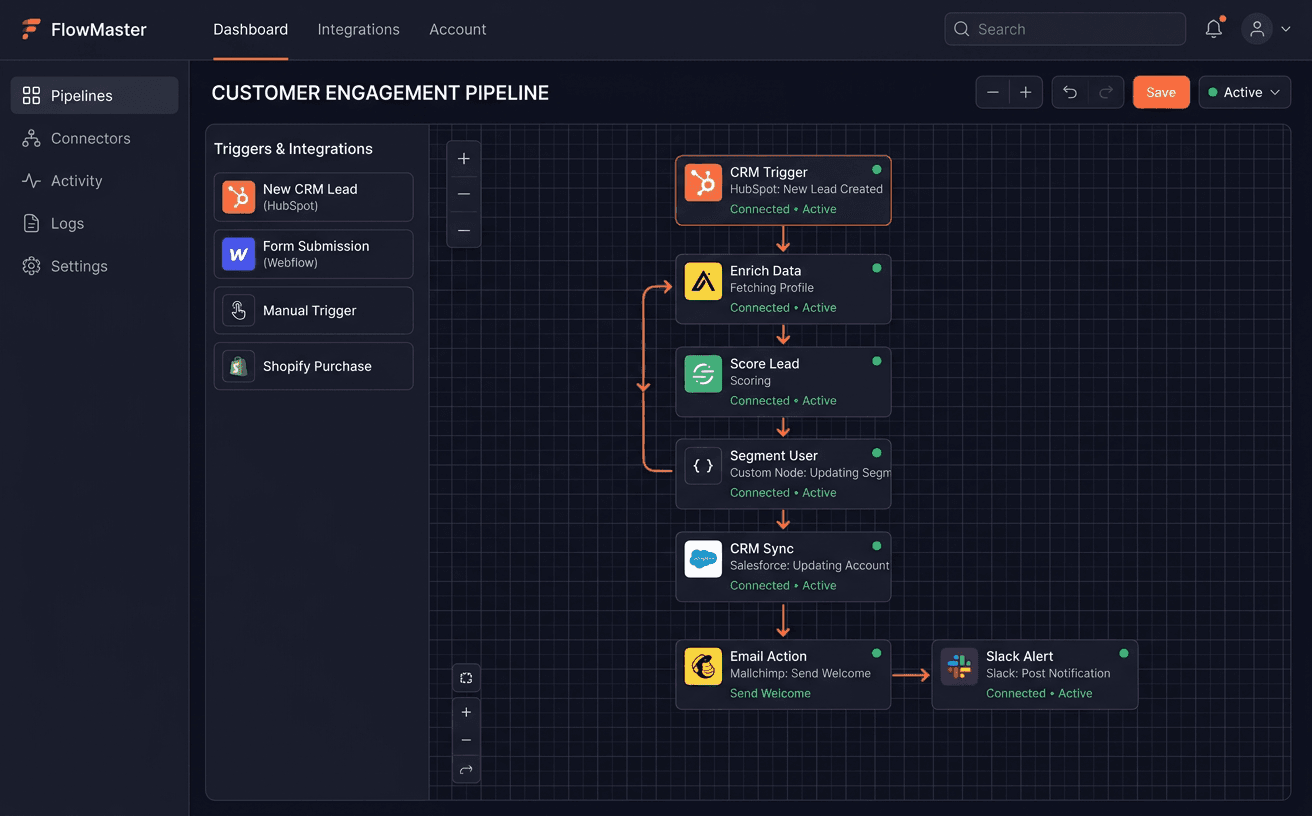
Connections between tools
Clean links between your tools instead of fragile chains.

Monitoring
A record of what each automation did, so you can check it.
Not sure what to automate?
Tell us where the hours go. The Consultation shows what an automation can handle and what should stay with a person.
How an automation project runs
Map the Work
- How the task is done today, written down
- What to automate first, by frequency and structure
- Where a person approves or takes over
Design and Ground
- Workflow and conversation design
- Knowledge sources for assistants: your docs, policies and price lists
- Allowed actions and handoff rules
Build and Test
- Automations built with error handling and fallbacks
- Connections to your CRM, helpdesk, accounting or phone system
- Testing on real examples and hard cases
Launch and Tune
- Supervised launch with a person checking early results
- Logs and alerts
- Handover documents and training for your team
Consultation
What we look at in your Consultation
We look at the work your team repeats and where automation would help, or would not.
Where the team loses time
Tasks that repeat every day
Tools you already use
Calls, messages and enquiries
Documents and data entry
What should stay with a person
The Consultation is software discovery and product planning. You get your requirements and user journeys written down, what to build and what can be bought, how your systems connect, the build cost and a rollout plan.
Typical Automation Stack
Explore examples: Business services · Web3 services
FAQ
Frequently asked questions
What can you automate?
Work that happens often and follows a pattern: enquiry intake, follow-up, routine support questions, answering calls and booking, invoice and document entry, reports, and moving data between tools. If a task needs judgment at every step, we say so.
Is this just a chatbot?
No. We build assistants and automations connected to your tools and grounded in your own information, with handoffs, logging and monitoring. We build on established AI models rather than training new ones.
How do you stop an AI assistant from making things up?
It answers only from sources you approve and routes anything else to a person. Before launch we test it on hard cases, and after launch every conversation is logged and can be reviewed.
Can it answer phone calls?
Yes. Voice agents can answer calls, qualify callers, book appointments and call back missed calls, with a handoff to your team when needed. Supported languages and call scenarios are tested before launch.
Does anything post to our books automatically?
No. Document processing prepares draft entries. A person reviews and approves each one before it goes anywhere.
How much does an automation project cost?
It depends on the number of workflows, channels and integrations, plus your own usage costs for AI and messaging. You get the build cost in your plan after the Consultation.
Who owns it after handover?
You do. Workflows, prompts, knowledge bases and every connected account run in your name, with documentation and training for your team.
Process
What happens after you book
Every project starts the same way, and you decide at each step.
Step 1
Consultation
We go through how the business runs and which tasks repeat, from enquiries to invoices.
Step 2
Your plan
You get a plan with what to automate first, what should stay with a person, the build cost and the timeline.
Step 3
Build
Once you agree the plan, we build, test on real examples and launch with a person checking the early results.
Step 4
Grow
With the routine work handled, we can help you bring in more customers through lead generation and marketing.
Start with a Consultation. We look at where the hours go, then tell you what is worth automating.
Snapshot
Engagement Snapshot
Timeline
Set in your Consultation plan
Engagement
Consultation, then mapping, build, testing and a supervised launch
Investment
Set in your Consultation plan
Handoff
Workflows, accounts, documentation and team training
Explore
Other Services
Learn More
Related Articles
Next step
Not sure this is what you need?
Book a Consultation. We look at your business first, then plan what to build and what can be bought.
You get a plan: requirements, what to build and what can be bought, the cost and the rollout plan.