For advocates, chambers and law firms
Client intake for law practices that keeps partners on legal work
Enquiries acknowledged, conflict checks run, matters opened and documents collected, so partners spend their evenings on briefs instead of WhatsApp.
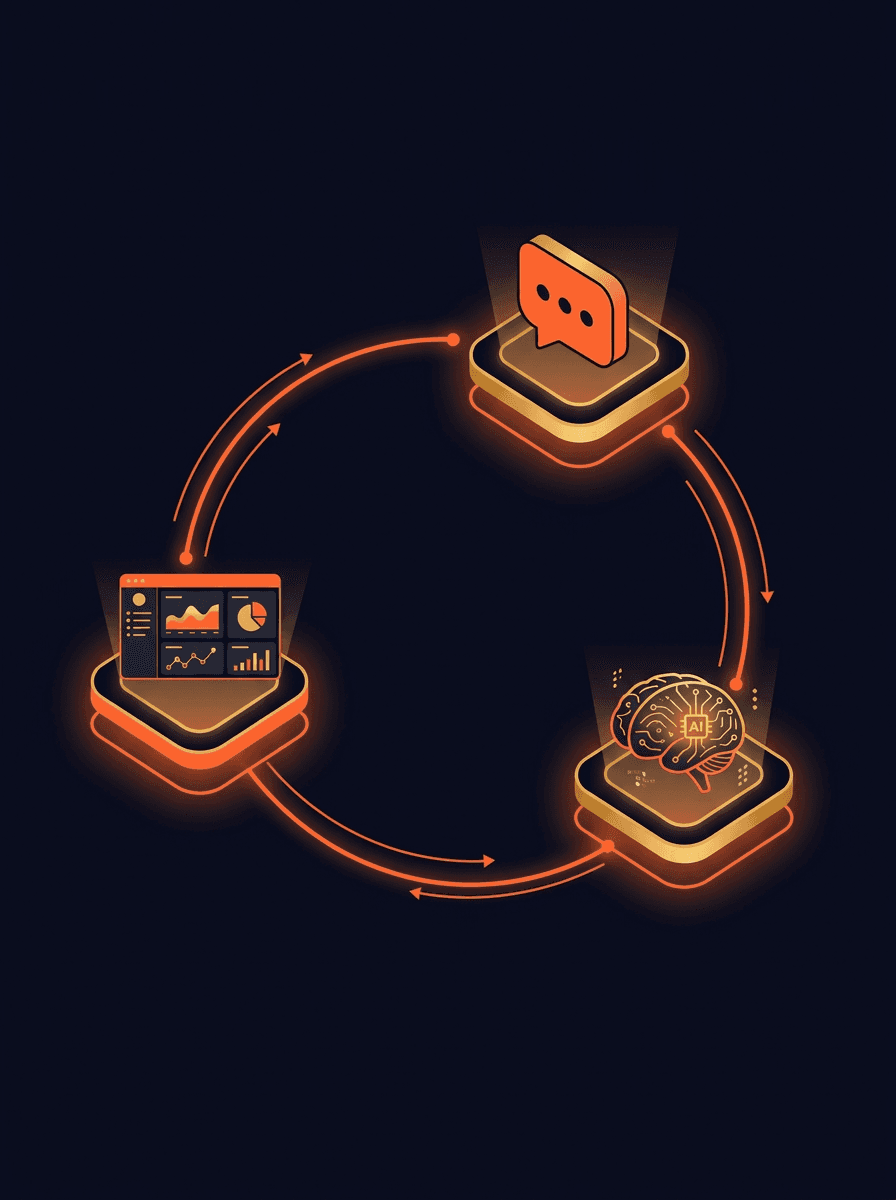
How we work with a law practice
- 01
Consultation: how enquiries reach your chambers
We look at where matters come from (referrals, your website, Google, panel listings, court-referred mediation), who answers them today, and how long a new client waits before a partner sees the matter. We also look at how your practice earns: which practice areas carry the retainers, and which ones take partner time without paying for it. You get a plan: what to build, what to skip, the build cost and the timeline.
- 02
Build: intake, matters and documents
Depending on the plan, that can be a clear website for the practice, an intake flow that asks only for the matter type, jurisdiction and opposing party, a conflict check against your existing matters before anything substantive is discussed, and a document checklist that follows up on its own. The matter record carries the intake conversation and the routing decision, so nothing has to be retyped.
- 03
Grow: getting found for the matters you want
Once intake works, we help the right clients find you: pages for each practice area written in plain language, a Google Business Profile that answers the questions clients ask, and getting found in AI search for the matters you handle. Everything is written within the Bar Council rules on advertising, and your senior partner approves the wording before it goes live.
Where a law practice loses time and matters
In most practices the work is uneven. One enquiry is a routine notice, the next is a corporate retainer, and both land in the same WhatsApp chat. These are the parts we are asked to fix most often.
Acknowledging every enquiry the same day
A short, factual acknowledgement goes to every new enquiry: no fees quoted, no promises about outcomes. It asks the questions a partner needs to decide who should take the call.
How AI lead qualification works on WhatsAppConflict check before the first conversation
The opposing party is checked against your matter records before a partner speaks to the client. A possible conflict is flagged to a person, never decided by software.
Software and apps built around your practiceDocument collection without late-night chasing
Vakalatnamas, KYC papers, agreements and orders are requested with a checklist, filed into the matter folder by type, and followed up until the list is complete.
Automations and AI for repetitive office workFee reminders tied to the engagement letter
Reminders follow the milestones in your engagement letter (filing, listing, settlement, closure) rather than a calendar, and the tone is set by the partner for each type of matter.
Automation for service businesses, enquiry to invoiceHearing dates in the client's thread
When a hearing date or adjournment is recorded, the client gets a plain note with the date and court, so juniors stop answering the same question by phone.
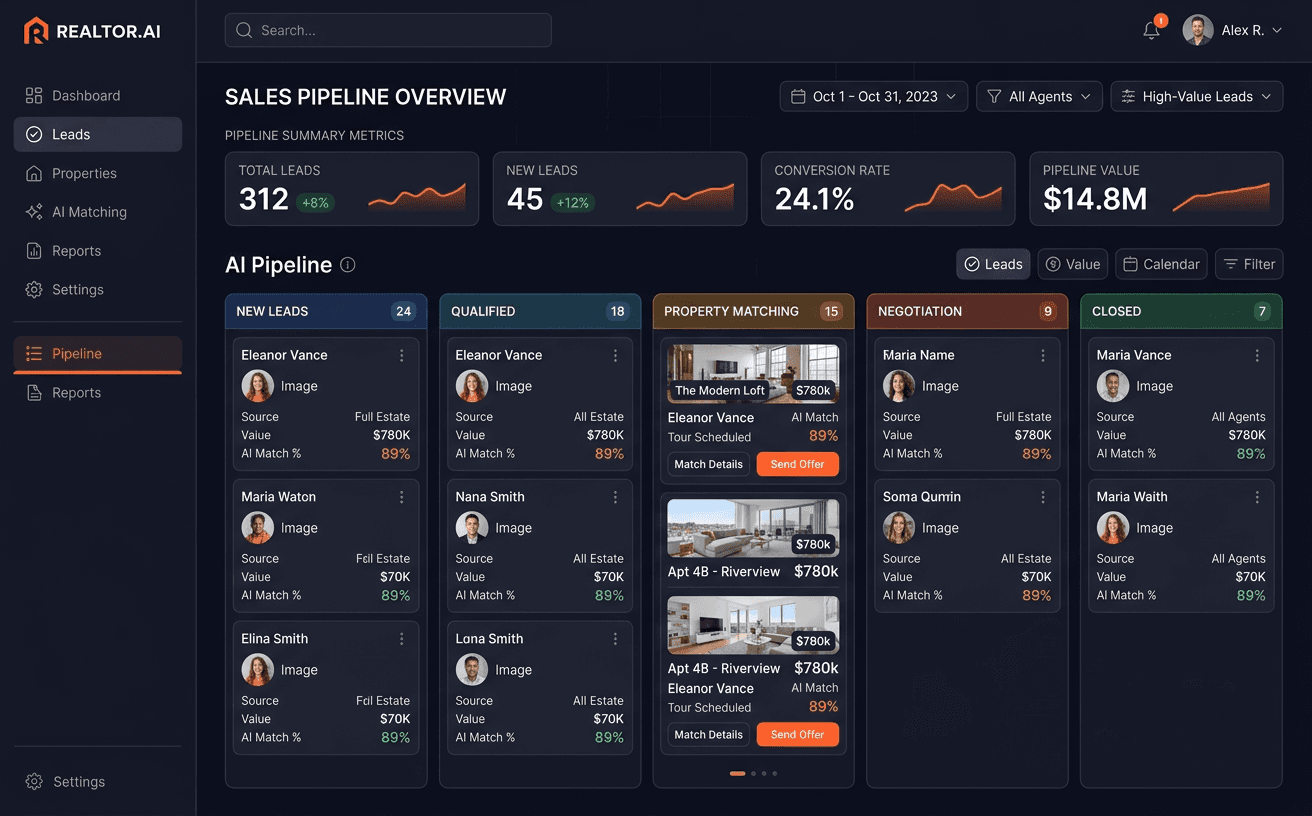
How n8n workflows connect your existing toolsA view of enquiries by practice area
How many enquiries each practice area receives, how quickly each one is answered and how many become matters. The numbers partners ask for before deciding where to put time.
Dashboards and internal tools for your team
Capability showcase: how we do this work · Customer Communication & Missed-Call Recovery
AI Voice and Chat Agents: How We Build Them
Read how we do this workCheck what your practice website says to a new client
The Website Conversion Autopsy reads your site and reports where a visitor looking for a lawyer gets stuck before they enquire, with fixes in order of priority. Bring the report to your Consultation if you book one.
Open the full tool
Launch the interactive version in a new tab to plug in your numbers.
Open the toolFrequently asked questions
Can an advocate use WhatsApp and a website for enquiries under Bar Council rules?
Bar Council of India rules restrict advertising and solicitation by advocates, so the work has to stay factual. We keep the work to answering people who contacted you first, with factual wording and no fees, rankings or promised outcomes. We are not your legal advisers on this: your senior partner reviews and approves every page and message before it goes live.How do you keep privileged information out of the intake?
The intake asks only what is needed to route the enquiry: the type of matter, the court or forum, how urgent it is and the name of the opposing party for the conflict check. It does not ask for the facts of the dispute. Once the conflict check is clear, the conversation moves to whatever channel your practice uses for privileged communication, such as a meeting or email.Does it work with the practice management software we already use?
Often, yes. Some practice tools have an API or can import and export data, and some do not. We check yours during the Consultation. If a direct connection is not possible, we look at simpler options such as a shared folder structure or a sheet the team already maintains, before suggesting anything new.Will this replace our juniors or clerks?
No. It takes the repetitive part of their day off them: acknowledging enquiries, chasing documents, answering questions about hearing dates. Every judgement stays with a person, including whether to take a matter, what to charge and anything to do with the case itself.What happens in the Consultation?
We go through how enquiries reach you, who handles them, which practice areas you want more of and where the team loses time. You get a written plan: what to build, what to skip, the build cost and the timeline. If the practice does not need new software, the plan says so.
Related pages for professional practices
Practices that work alongside law firms, and the guides that go deeper on intake and follow-up.
Services for law practices
Every engagement starts with a Consultation. These are the services the plan can draw on.
Last reviewed October 2026
Start with a Consultation about how your practice takes on new matters.
We look at where enquiries come from, who answers them and where partner time goes. You get a plan: what to build, what to skip, the build cost and the timeline.