For consultancies, studios and professional firms
Automate the handoffs between enquiry and invoice, keep the judgement
Qualification, proposals, contracts, invoices and status updates connected across your CRM, accounts and WhatsApp, with people approving what matters.
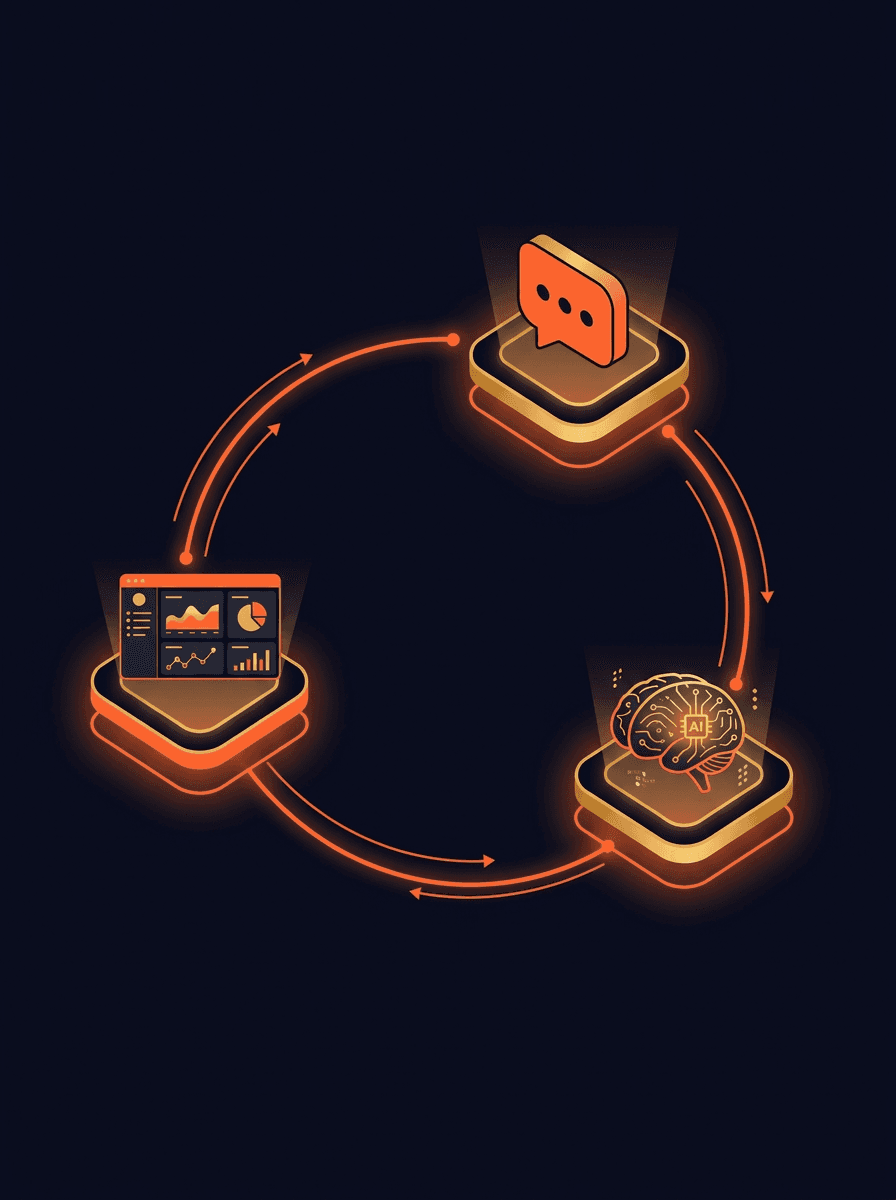
How we decide what to automate
- 01
Map every step from enquiry to payment
In the Consultation we write down the whole journey: enquiry, qualification, scoping call, proposal, contract, kickoff, status updates, milestone invoices, GST entries, payment follow-up and close. For each step we note who does it, how long it takes and what tool it lives in.
- 02
Sort each step into three groups
Some steps can run on their own, such as sending a contract once a proposal is accepted. Some are better as an AI first draft that a person edits, such as a proposal or a weekly status note. Some stay fully human, such as scoping calls, creative reviews and anything that needs judgement.
- 03
Build the first group, then the next
We build the steps that save the most time first, connected to the tools you already use, and show your team how each one works. Each workflow has a named owner on your side and stays editable by you.
Steps service businesses most often automate
These are the handoffs where work waits for someone to copy information from one tool to another.
Enquiry triage on WhatsApp and email
Enquiries from your website, Google, LinkedIn and directories are asked a few qualifying questions before a partner sees them, with the answers attached.
How AI lead qualification works on WhatsAppProposal and scope drafts
From the qualified brief and your past proposals, a first draft of scope, timeline and fees is prepared for the responsible person to edit and send.
Automations and AI for proposal draftingContracts sent for signature
An accepted proposal produces the contract from your template, sends it for e-signature and tells operations when it comes back signed.
How n8n workflows connect your existing toolsMilestone invoices and GST entries
When a milestone is marked done in Asana, ClickUp or Notion, the invoice is raised in Zoho Books or Tally and sent to the client, with no retyping.
How we work with chartered accountantsWeekly client status notes
A draft status note is put together from the week's project activity. The project lead edits it and sends it, instead of writing it from scratch every Friday.
Software and apps built around your processRenewal and next-project prompts
As an engagement nears its end, the account owner is reminded with the context they need: milestones delivered, open issues and payment history.
How we work with B2B service firms
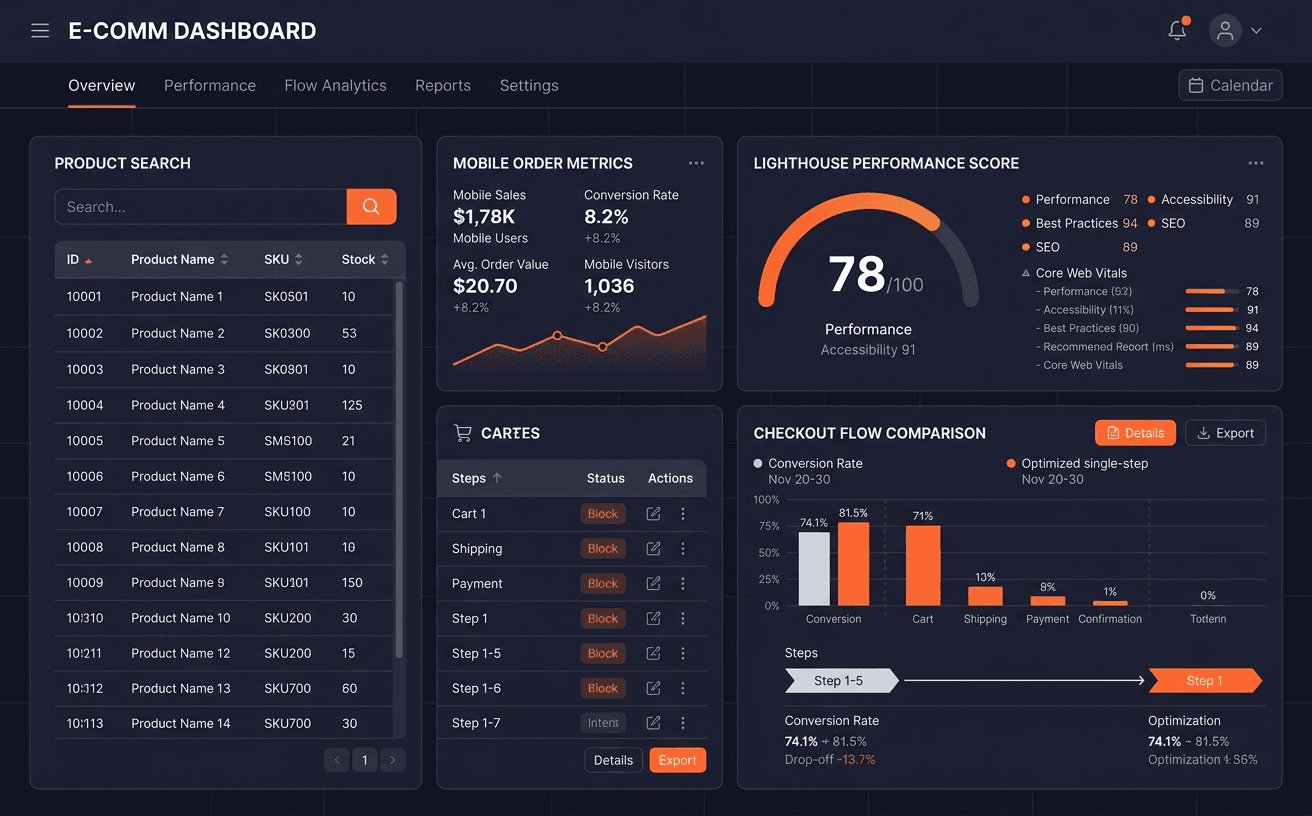
Capability showcase: how we do this work · Operations & Internal Software
Dashboards and Internal Tools People Use
Read how we do this work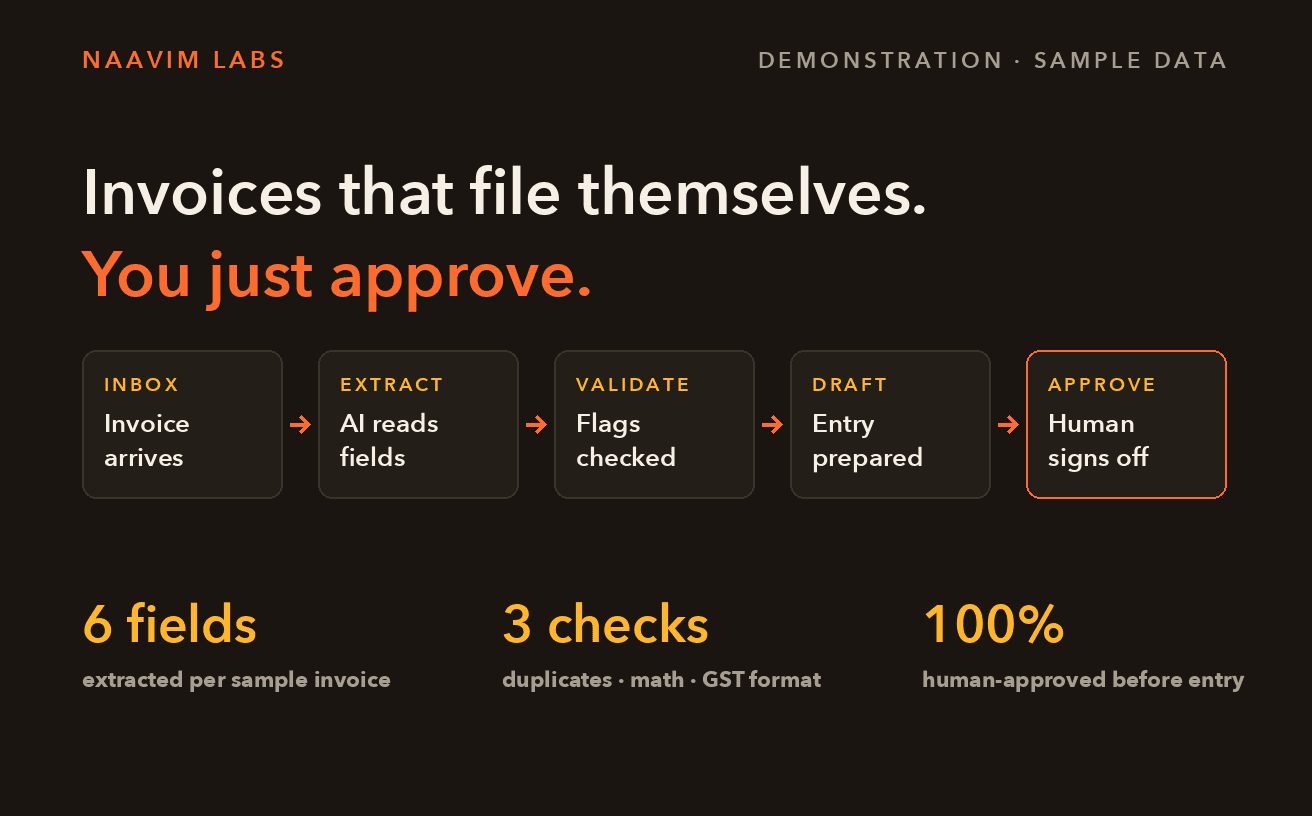
Capability showcase: demonstration on sample data · SMB Operations & Accounting
Document Processing Demo on Sample Invoices
Read how we do this workFind the workflow worth automating first
Tell the Automation Advisor about your team, your tools and where time goes. It returns the tasks worth automating, the tools that fit and a simple order to build them in.
Open the full tool
Launch the interactive version in a new tab to plug in your numbers.
Open the toolFrequently asked questions
Which businesses is this for?
Businesses that sell expertise against a scope of work: consultancies, design and marketing studios, agencies, IT services, recruitment firms and professional practices such as CAs and lawyers. Product companies and online stores have a different shape of work, and we would point you to a different page.What stays with people?
Scoping calls, creative and quality reviews, pricing decisions, relationship conversations, escalations and anything unusual. Nothing goes to a client in a new form of words unless someone on your team has approved that wording first.What does it cost to run?
Running costs come from the services the workflows use: the AI model, WhatsApp messages, the automation platform and hosting. For most service businesses they are small next to the time saved, but they depend on volume. The Consultation gives you an estimate with your own numbers.Which tools does it connect to?
Usually the ones you already use: a CRM such as HubSpot or Zoho, Zoho Books or Tally for accounts, Asana, ClickUp or Notion for projects, Slack, email and WhatsApp. Where a tool has no way to connect, we say so and suggest an alternative.How do we bring the team along?
Start with the work nobody wants: chasing, copying and drafting from a blank page. We walk the team through what changes and who owns each workflow, and every automated step can be paused or overridden by a person.
Related guides
Pages that pair with service-business automation.
Last reviewed October 2026
Start by mapping where your team's hours actually go.
In a Consultation we walk through your work from enquiry to invoice. You get a plan: what to build, what to skip, the build cost and the timeline.