For doctors, clinics and diagnostic centres
Answer every appointment request, even when reception is busy
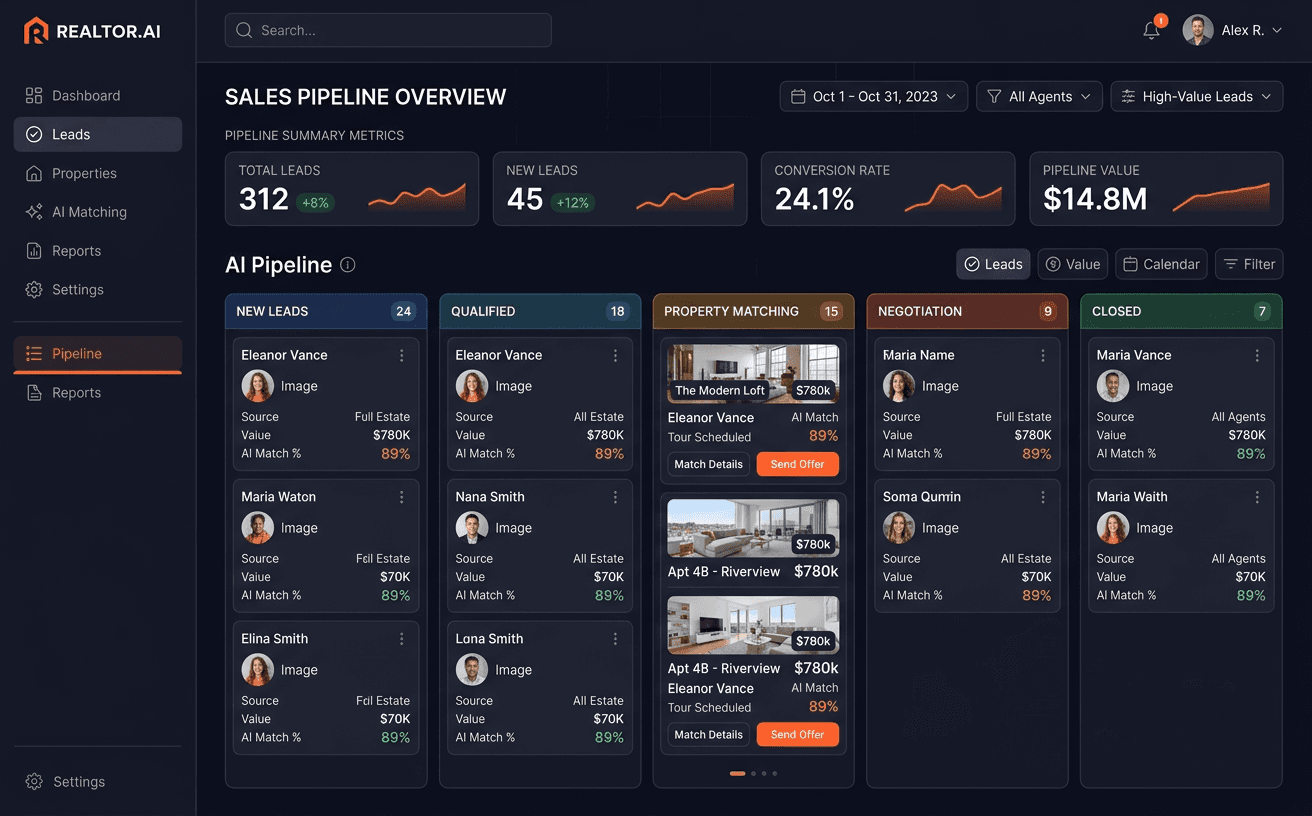
Requests from Google, JustDial, Practo, missed calls and WhatsApp get a reply, a slot from your calendar and a reminder before the visit.
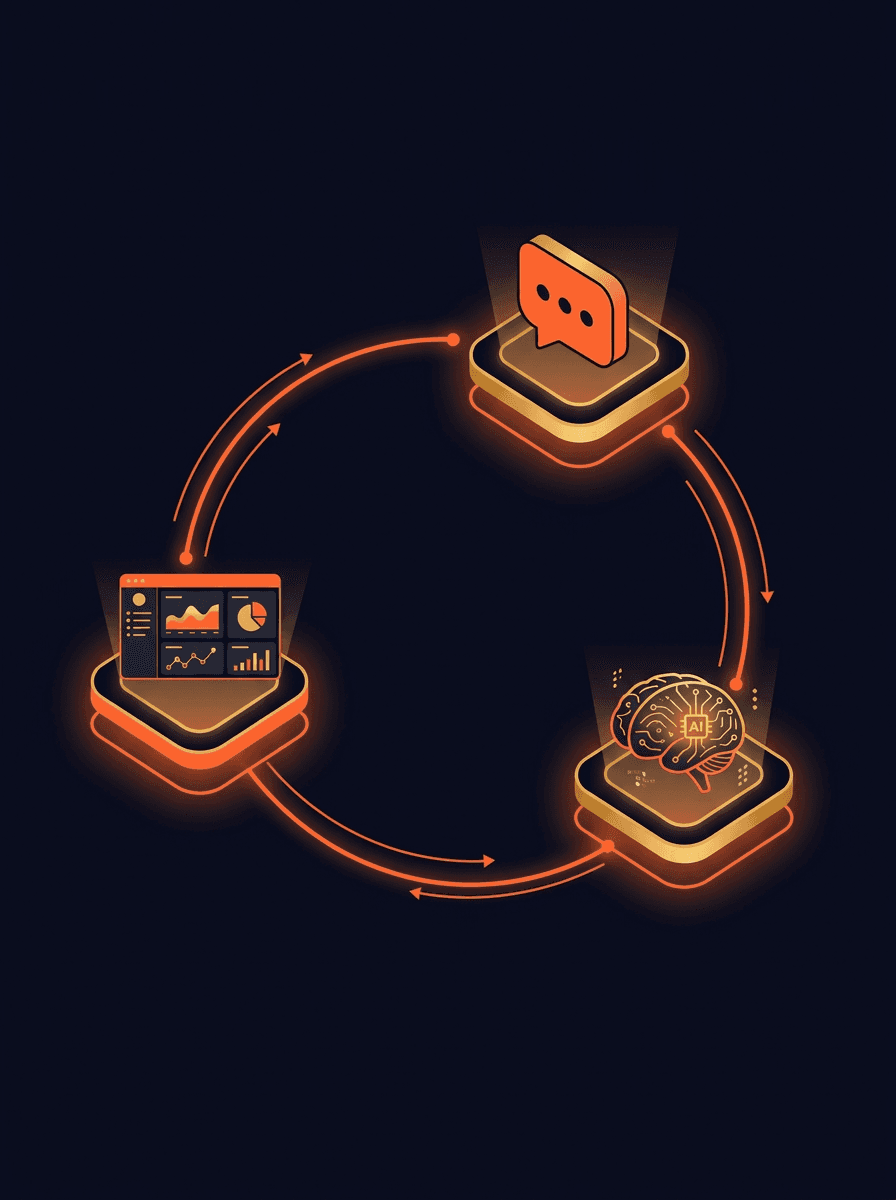
How we work with a clinic
- 01
Consultation: a day at your front desk
We look at how patients find you, how requests arrive (calls, JustDial, Practo, Google, WhatsApp), what reception does between billing and phone calls, and where requests wait. We also look at which services and doctors you want to fill first. You get a plan: what to build, what to skip, the build cost and the timeline.
- 02
Build: replies, bookings and reminders
Depending on the plan, that can be a website patients can book from, a WhatsApp reply that asks for the service needed, preferred time and branch, then offers real slots from your calendar for reception to confirm, reminders before the visit, and reports or prescriptions sent once the doctor signs off.
- 03
Grow: patients finding the right doctor
Once bookings are handled, we help patients find you: a Google Business Profile that answers common questions, a page for each speciality and doctor, and getting found in AI search. The wording describes services and timings, never outcomes, and the doctor approves it before it goes live.
Where clinics lose appointment requests
Most clinics do not lose patients to a bad consultation. They lose them before the visit: a message read late, a call missed during a busy hour, a slot nobody confirmed.
A reply to every request while reception is busy
Requests from JustDial, Practo, Google and WhatsApp get an answer straight away, with the questions reception needs: service, preferred time, branch, new or returning patient.
How AI lead qualification works on WhatsAppMissed calls followed up on WhatsApp
When a call goes unanswered in a busy hour, the caller gets a WhatsApp message offering to book, so they have a way back other than calling the next clinic.
Automations and AI for the front deskSlots offered from your live calendar
The patient picks from real open slots. Reception confirms with one tap, and cancelled slots go back on the calendar for the next request.
Software and apps built around your clinicReminders before the visit
A reminder the day before and on the day, with an easy way to reschedule. Patients who cannot come can say so, and the slot is offered to someone else.
CRM, WhatsApp and email for follow-up comparedReports and prescriptions sent when ready
Once a report is uploaded or a prescription is signed, the patient receives it on WhatsApp, which cuts down the calls asking whether results are ready.
How n8n workflows connect your existing toolsWhere new patients come from
Requests and bookings by source (JustDial, Practo, Google, referrals) and by doctor, so you know which listings are worth paying for.
Marketing and getting found on Google
Capability showcase: how we do this work · Customer Communication & Missed-Call Recovery
AI Voice and Chat Agents: How We Build Them
Read how we do this workSee where patients drop off on your clinic website
The Website Conversion Autopsy reads your site and reports what stops a visitor from booking: hard-to-find timings, no clear way to book, slow pages on a phone. Fixes come in order of priority.
Open the full tool
Launch the interactive version in a new tab to plug in your numbers.
Open the toolFrequently asked questions
Can a doctor or clinic reply to patients on WhatsApp?
Yes, when the patient contacted you first or has agreed to receive messages. Medical councils restrict advertising by doctors, so the messages stay factual: services, timings, slots and reminders, with no claims about results and no comparisons with other doctors. We do not give legal advice; the doctor or practice manager approves every message before it goes live.Does the assistant give medical advice?
No. It asks which service or doctor the patient needs and when they can come, and nothing more. Anything that sounds urgent is passed to a person straight away with a suggestion to call the clinic or emergency services. Clinical questions are always answered by your staff.How is patient information handled?
The intake collects only what booking needs: name, phone number, service and preferred time. Clinical details are not requested on WhatsApp. We agree with you where data is stored, who can see it and how long it is kept, and we design the flow so a patient's consent to receive messages is recorded.Does it work with our clinic or lab software?
It depends on the software. Some clinic and lab systems offer an API or webhooks, some only export files. We check yours during the Consultation. Where there is no clean connection, we keep the booking calendar as the single source and show reception a simple daily list.What happens in the Consultation?
We go through how requests reach the clinic, what reception handles in a day, which services you want to fill and which tools you already use. You get a written plan: what to build, what to skip, the build cost and the timeline. If your current booking tool already does the job, the plan says so.
Related pages for clinics
Guides that go deeper on replying to enquiries and following up.
Services for clinics
Every engagement starts with a Consultation. These are the services the plan can draw on.
Last reviewed October 2026
Start with a Consultation about your front desk.
We look at how patients reach you, where requests wait and what reception spends the day on. You get a plan: what to build, what to skip, the build cost and the timeline.